Picking the right WordPress theme feels fun at first (“So many designs!”), but it quickly becomes overwhelming — especially for tech bloggers.
You want something that:
- Loads fast
- Looks clean
- Works well on mobile
- Doesn’t require plugins to look okay
- Is easy to customise for beginners
After helping bloggers for years and testing themes on real sites (not just demos), I can tell you that not all “free themes” are created equal.
So here’s a realistic list of best free WordPress themes for tech blogs — the ones I’d actually use or recommend to a friend starting today.
💡 What Makes a Good Tech Blog Theme?
Before jumping into the list, let’s be practical. A theme for tech blogs should:
- Be lightweight and fast
- Support clean typography for long articles
- Work well with images and code snippets
- Be mobile-friendly
- Not require a ton of plugins to look professional
Now let’s get to the themes.
1. Astra

4
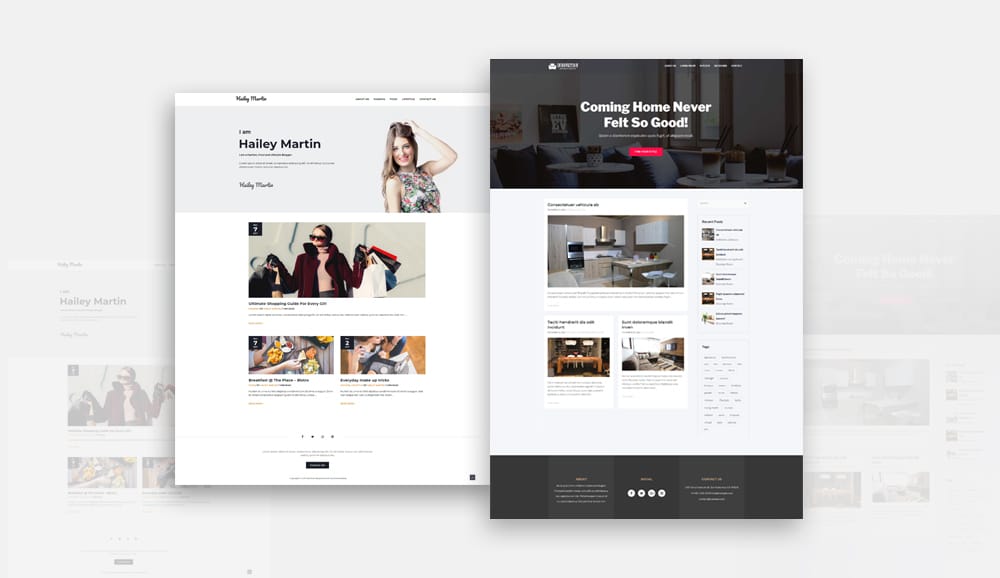
Astra is one of the most popular free themes for a reason.
Why it’s great for tech blogs:
- Very lightweight and fast
- Works with WordPress block editor
- Tons of layout options
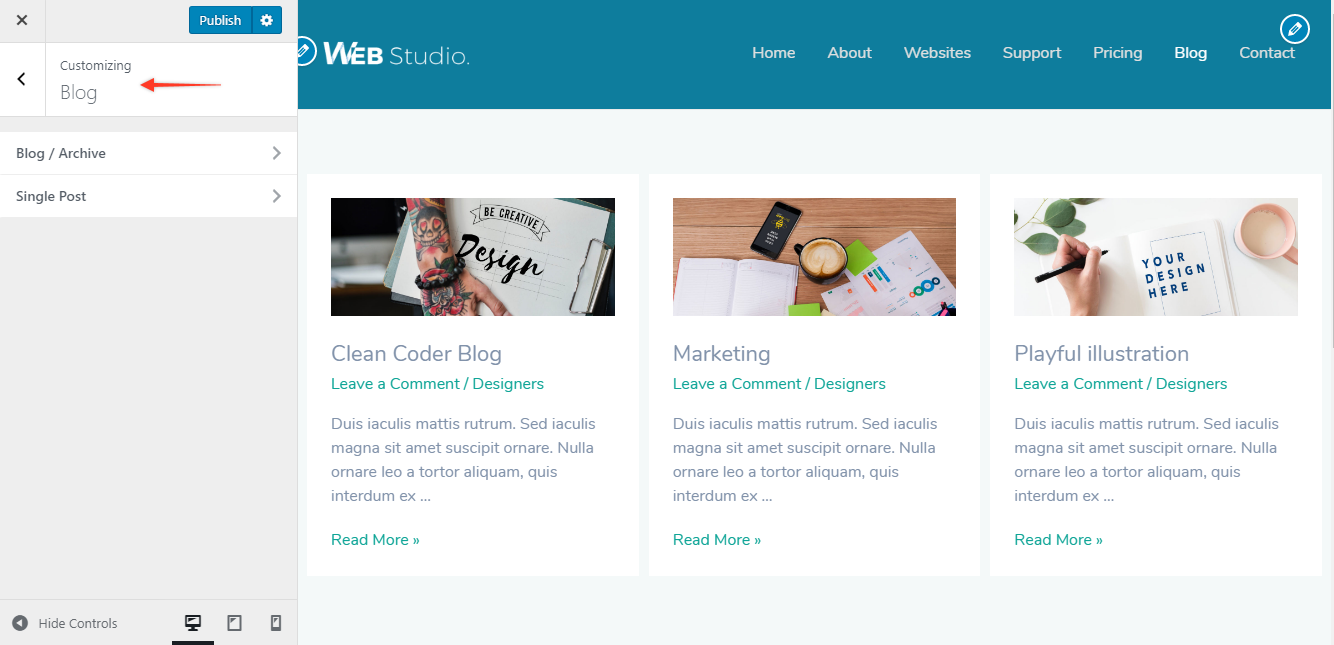
- Super easy customization without coding
You can start with a simple blog layout and later expand to tutorials, categories, etc.
Real tip:
Astra stays fast even with more content and images — exactly what a tech blog needs.
2. GeneratePress


4
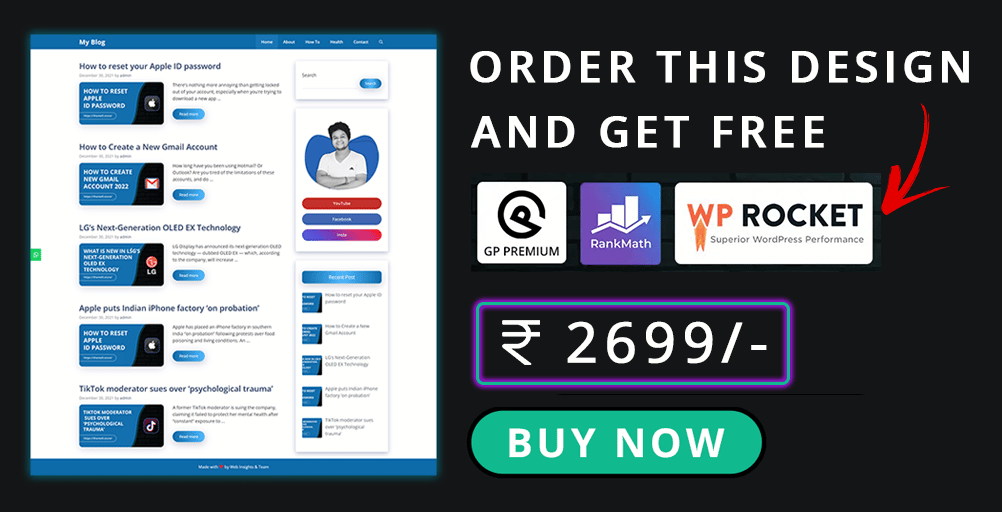
Another solid choice with a strong performance reputation.
Best parts:
- Small file size = faster page load
- Easy typography control
- Works with all major editors
It’s clean, simple, and focuses on content first.
Why I like it:
Even on shared hosting, GeneratePress sites feel snappy.
3. Kadence Theme

4
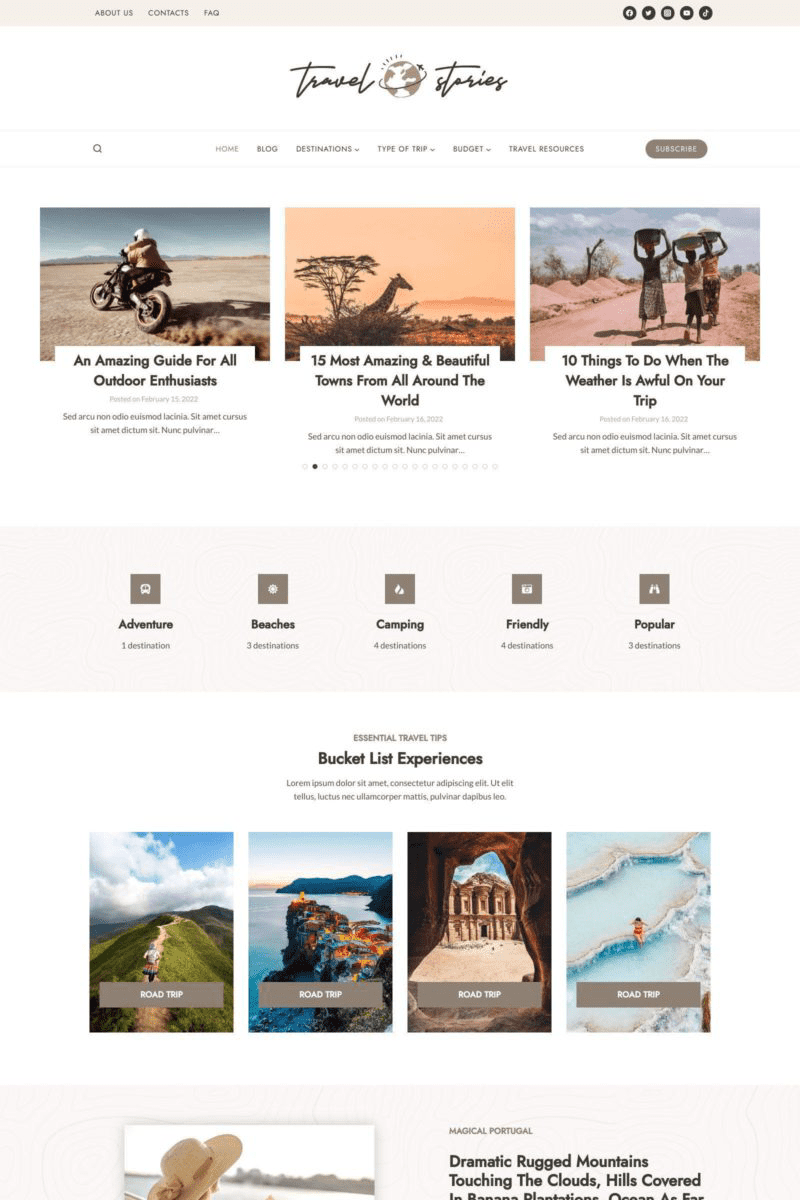
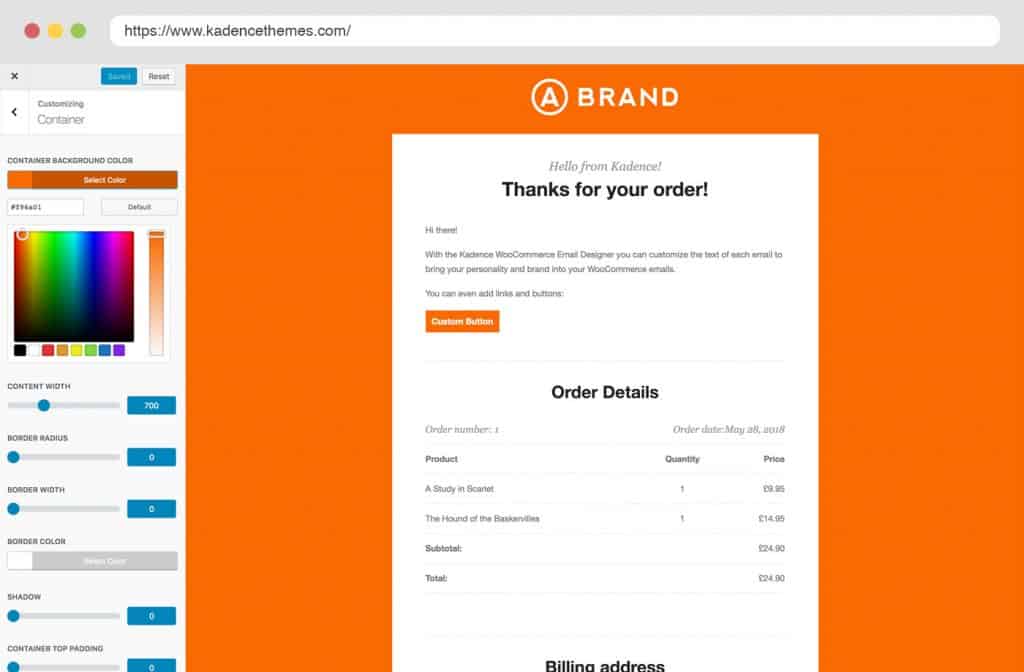
Kadence gives a more modern look among free themes.
What makes it good:
- Flexible header and layout options
- Lightweight and fast
- Works well with Gutenberg blocks
It feels a bit more design-rich than Astra or GeneratePress without a speed penalty.
Word to the wise:
Don’t overuse fancy headers if speed is priority — keep it clean.
4. Blocksy


4
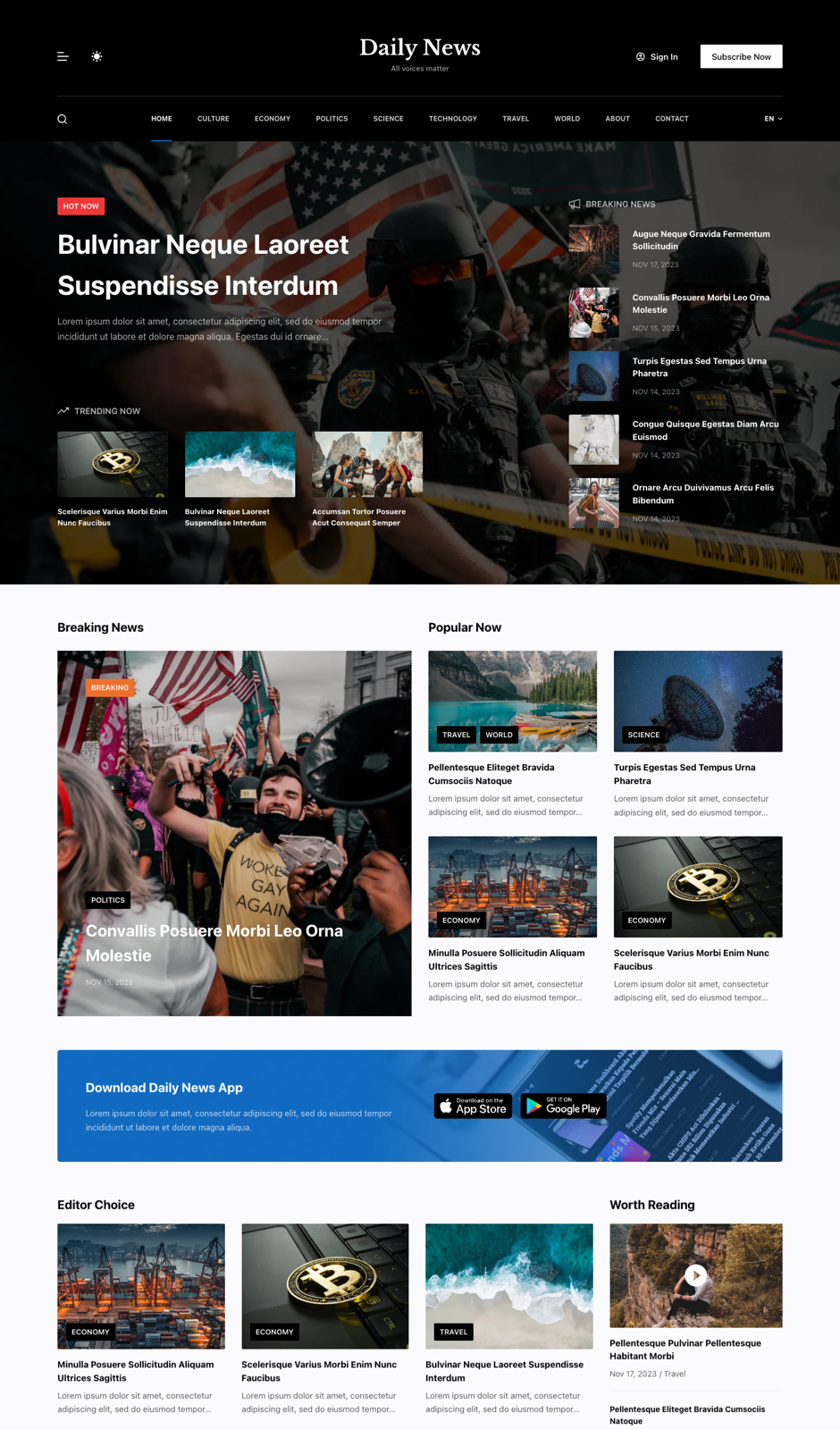
Blocksy has grown quietly into a powerful free option.
Highlights:
- Built specifically for Gutenberg
- Plenty of style options
- Clean blog designs
It’s slightly more modern than Astra but still fast.
I’ve seen bloggers switch to Blocksy when they want more control — without paying anything.
5. Neve
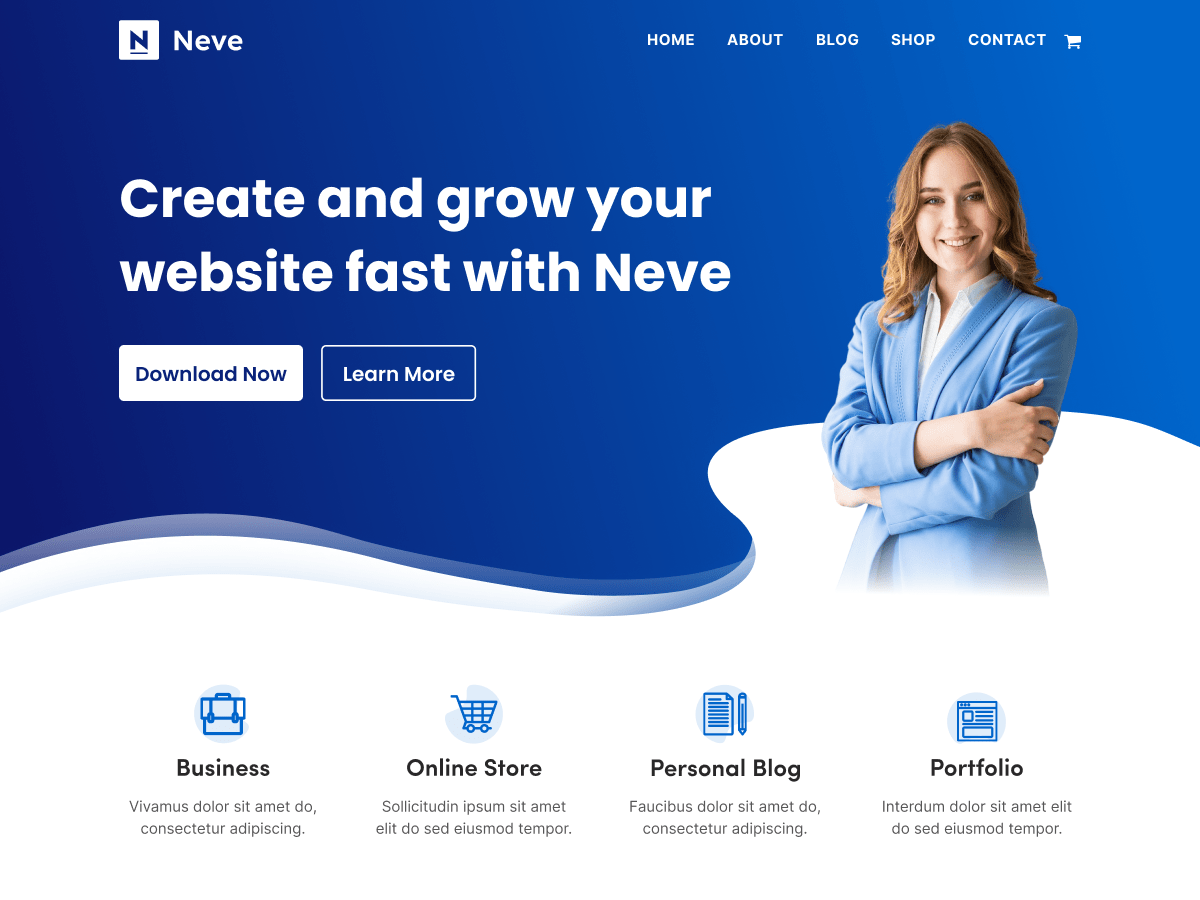
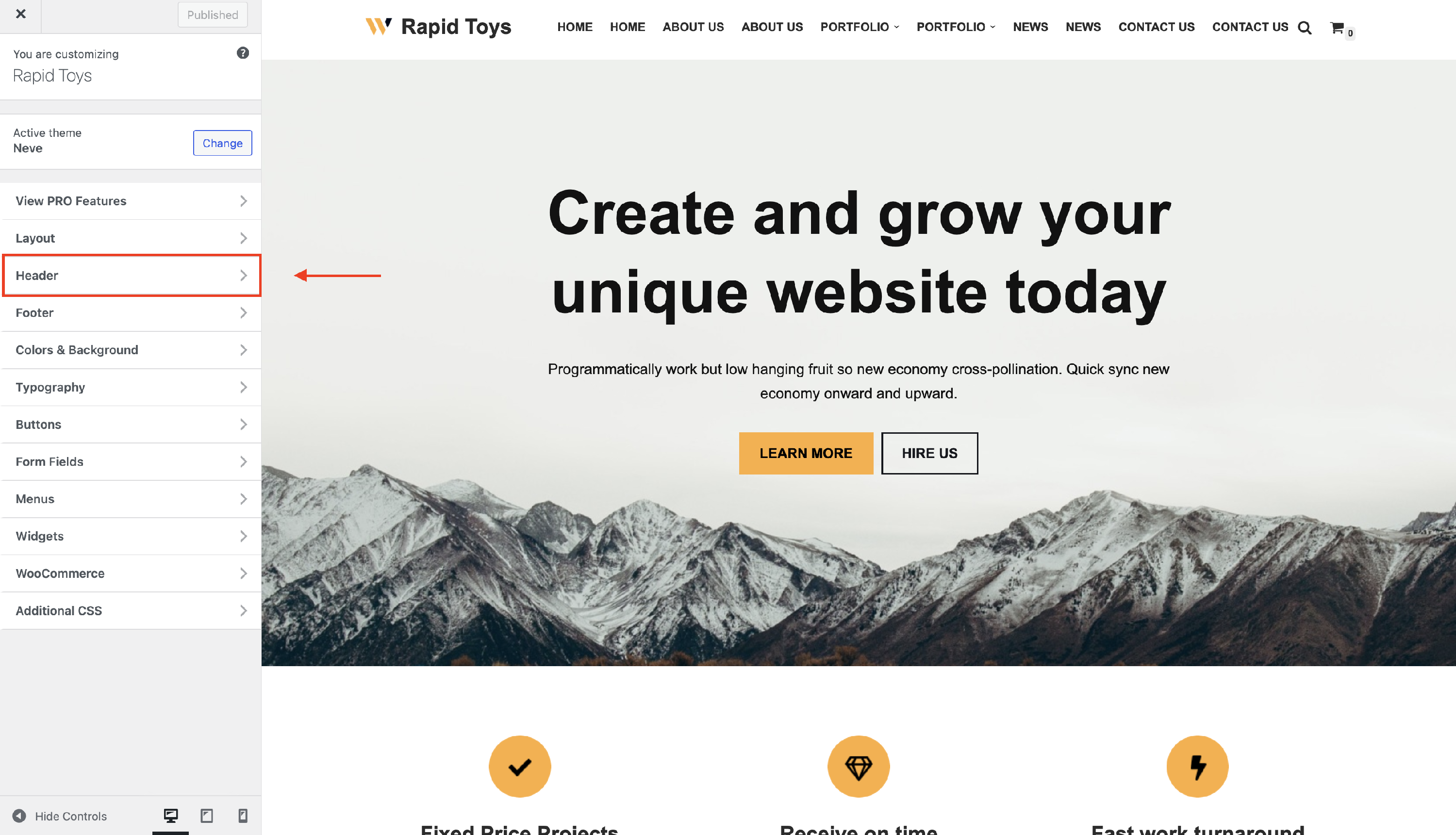
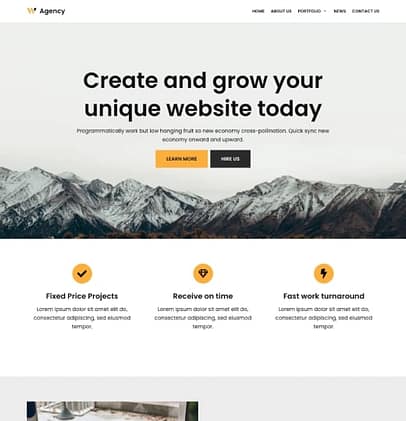
Neve is another lightweight theme that’s great for blogs.
Why it’s useful:
- Very responsive
- Works with block editor and page builders
- Different starter templates
Good choice if you want something simple but stylish.
Just keep the homepage clean if you’re focusing on speed.
6. Block-Based Themes (e.g., Twenty Twenty-Three)

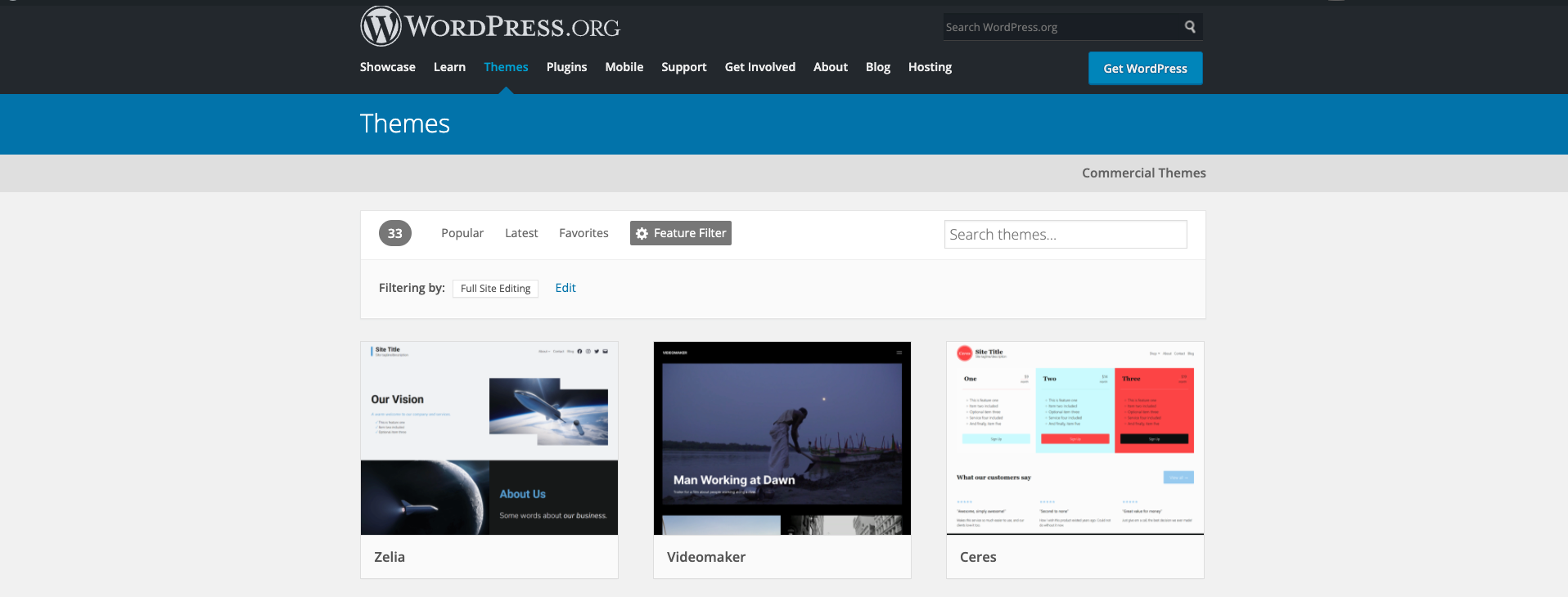

This is the default block theme from WordPress.
Why it’s underrated:
- Designed for the Gutenberg block editor
- Super lightweight
- Easy to edit layouts directly in the editor
It’s not flashy, but it’s reliable and fast — and perfect if you’re focused on content.
🧠 How to Pick the Right Theme (Quick Checklist)
Instead of just choosing what looks good, check these before activating a theme:
✅ Fast performance (mobile + desktop)
✅ Clean typography (easy on the eyes)
✅ Responsive meaning no broken layout on phones
✅ Simple homepage — avoids clutter
✅ Easy customization (colors, fonts, logo)
Trust me — themes that look great in demos often stumble once content is added. So always test with real posts.
⚡ Tips to Keep Your Tech Blog Fast (Even With Free Themes)
Even a fast theme can slow down if the setup isn’t right. Here’s what I do on every WordPress blog:
🖼️ Optimise images before upload
Resize and compress before uploading — that alone improves speed a lot.
🧹 Clean homepage design
Heavy sliders and autoplay videos kill speed fast.
🔍 Avoid too many external scripts
Extra fonts, trackers, and widgets add load time.
You don’t need any plugins for 80% of performance improvements — just smart choices.
Final Thoughts (Human, No Hype)
These themes are real options for beginners and experienced bloggers alike. They won’t magically make your blog successful, but they’ll give you a solid base that loads fast, looks clean, and keeps readers engaged.
Pick one. Start writing. You can always tweak later.
And remember — content matters more than design.
If you’re consistent, even the simplest theme can become a professional-looking tech blog over time.
Want help picking the best one for your specific style? Just tell me what kind of tech content you want to publish — I’ll narrow it down further.