We all know that feeling — phone in hand, trying to get things done, but somehow ending up scrolling TikTok for 20 minutes.
I’ve been testing productivity apps on Android for years — not just shiny ones, but the ones I actually use on busy days. And honestly, productivity isn’t about using every app in the Play Store. It’s about using the right tools that fit your routine.
Here’s a practical list of the best Android apps for daily productivity that make real-life work easier, especially if you juggle study, work, or side projects.
No hype. No complicated features. Just what works.
1. Google Keep — Quick Notes & Lists
4
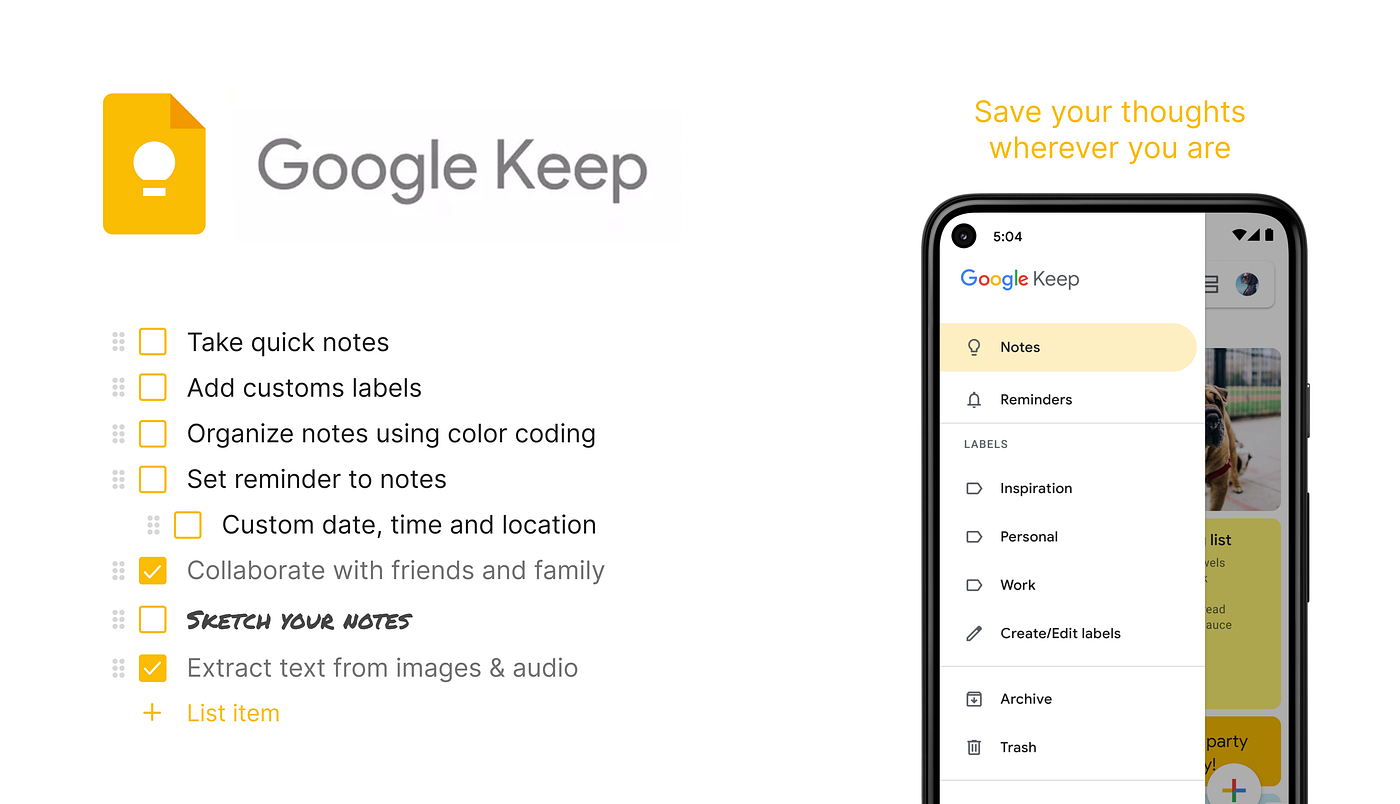
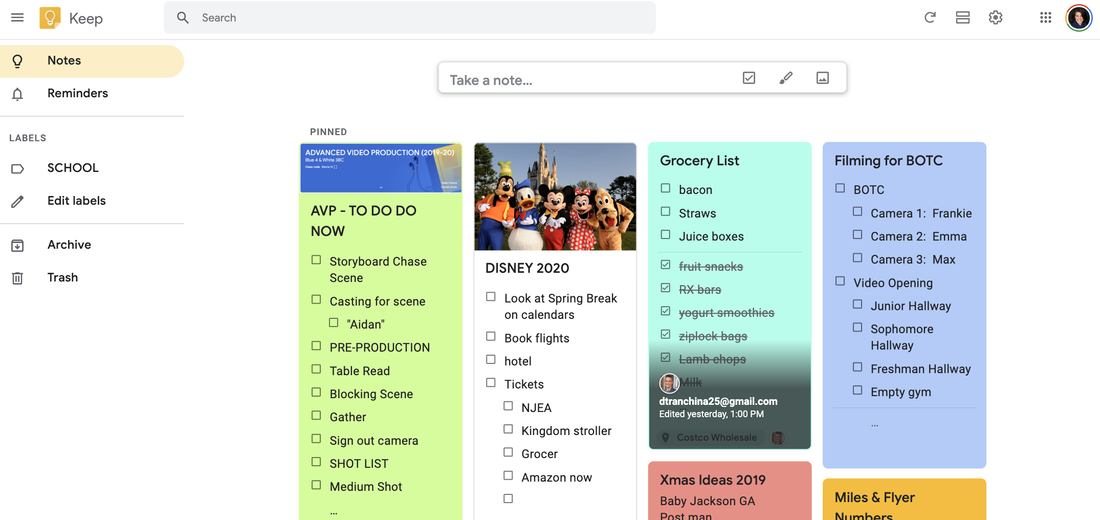
If you just need a simple place to jot things down, Google Keep is unbeatable.
Why it’s great:
- Simple notes + checklists
- Colour-coded lists
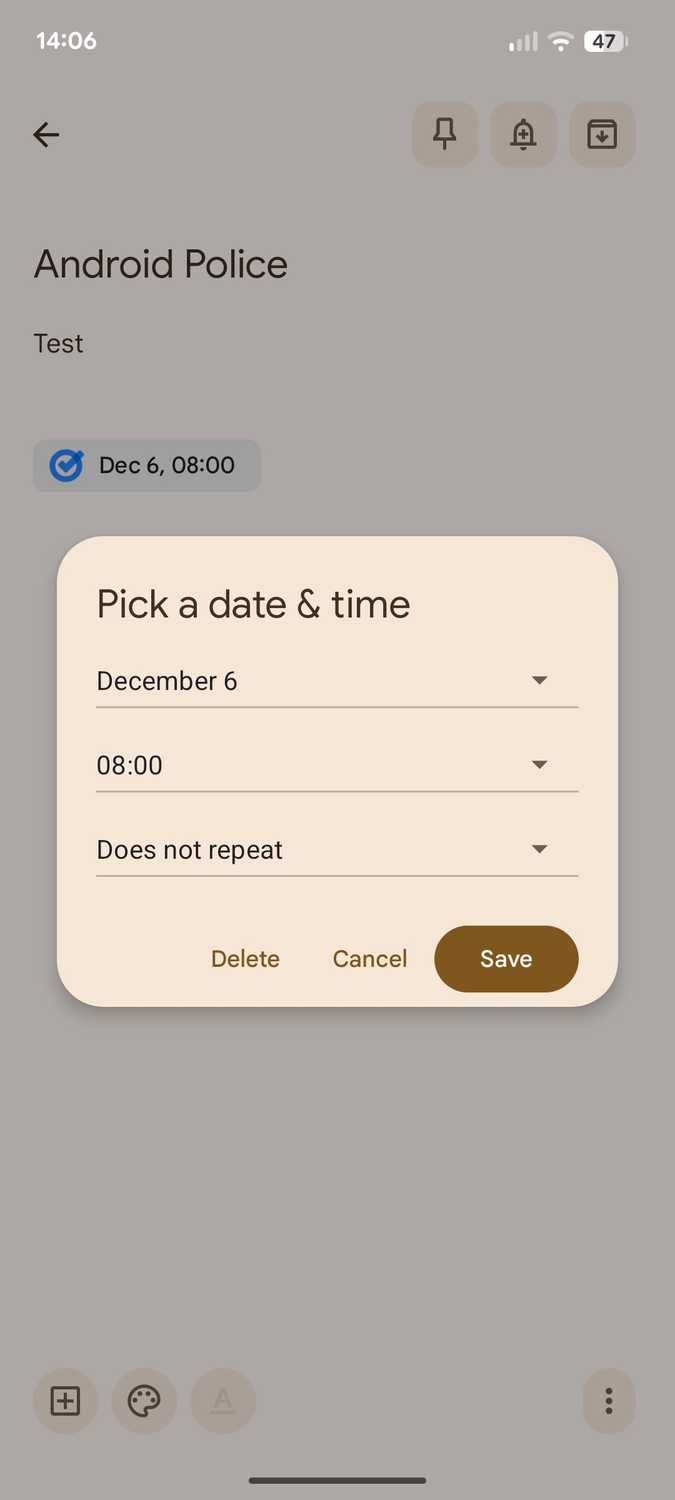
- Reminders with time/location
- Syncs with Google account
This is my go-to for:
- Grocery lists
- Quick reminders
- To-do checklists
- Random ideas
It opens instantly and doesn’t get in the way.
2. Microsoft To Do — Daily Task Manager


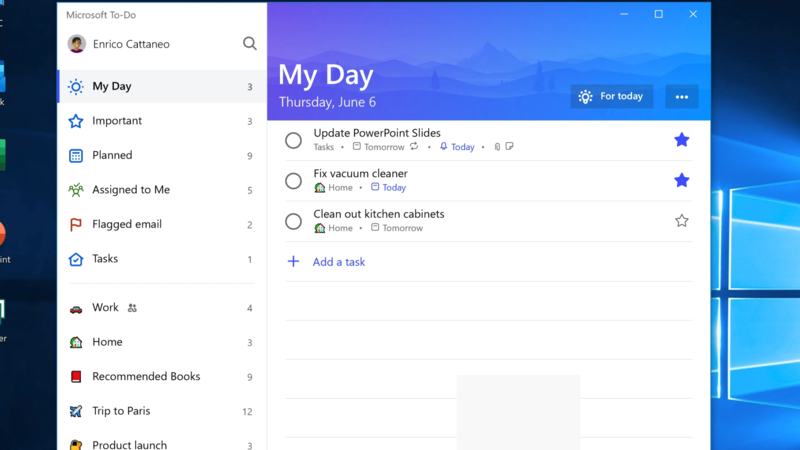
If checklists are your thing and you want something more structured than Keep, Microsoft To Do is perfect.
Best things about it:
- Daily planner (My Day)
- Tasks + subtasks
- Due dates and reminders
- Syncs across devices
What I like:
It’s more work-oriented than Keep, so useful for study schedules or project to-dos.
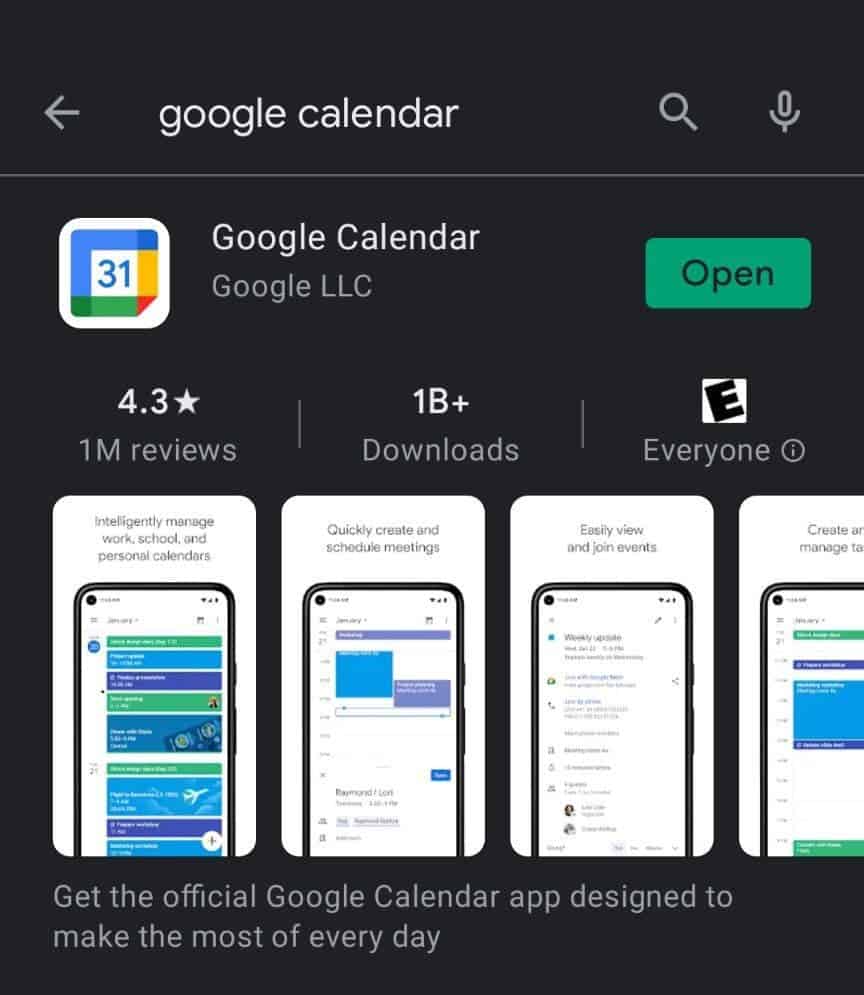
3. Google Calendar — Time Scheduling That Actually Works
4
You probably already have it, but are you using it well?
Why Google Calendar matters:
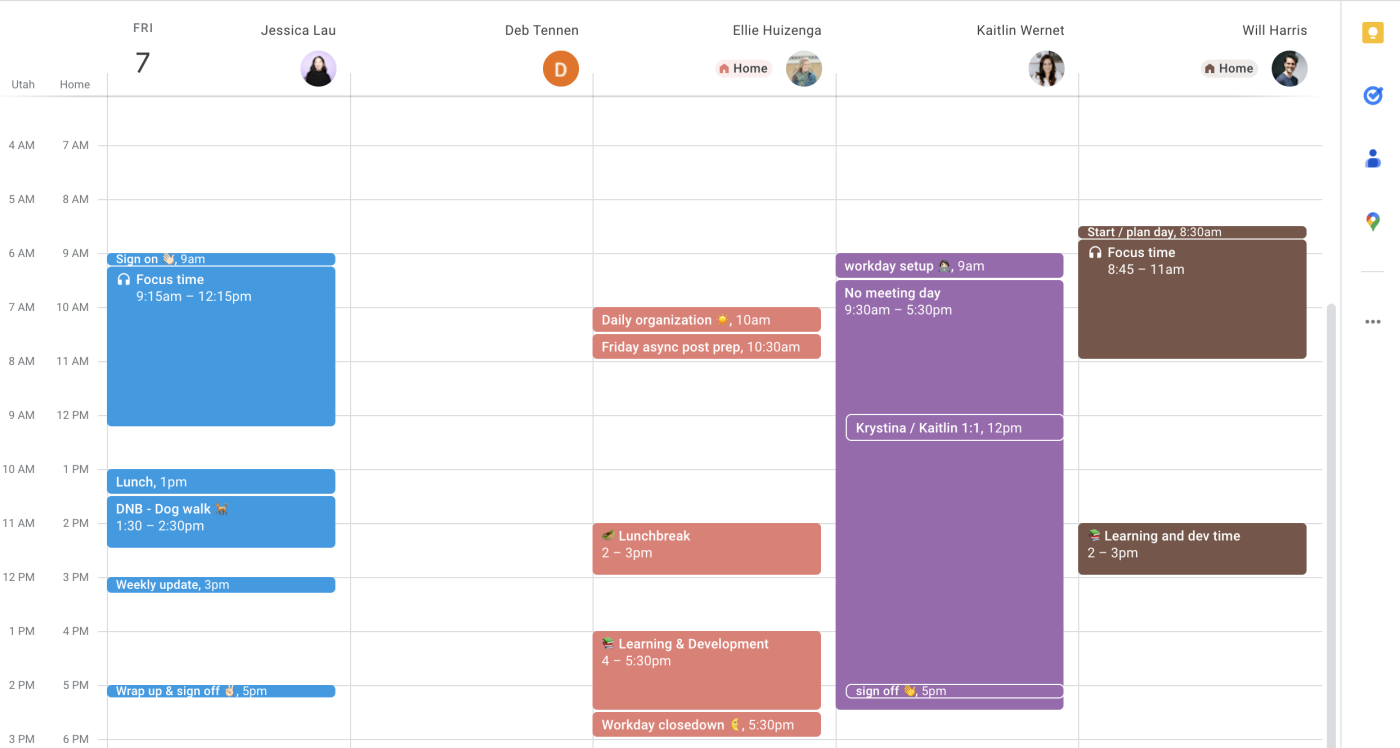
- Schedule your day in time blocks
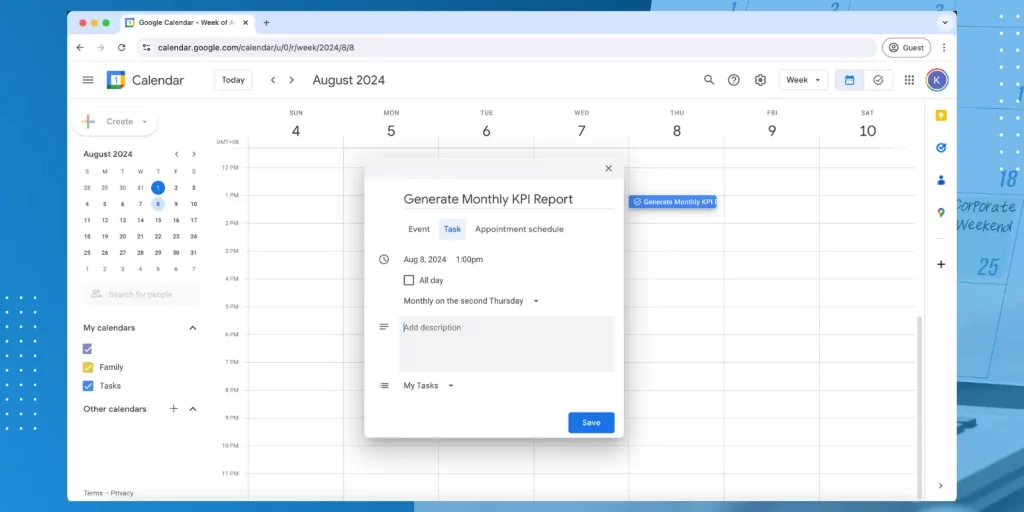
- Add reminders and notifications
- Sync with Gmail and events
- Share events with others
Block time for:
- Studying
- Work tasks
- Meetings
- Breaks (yes, important!)
Once you start time-blocking, your day suddenly feels more organised.
4. Todoist — Powerful Task Manager

4
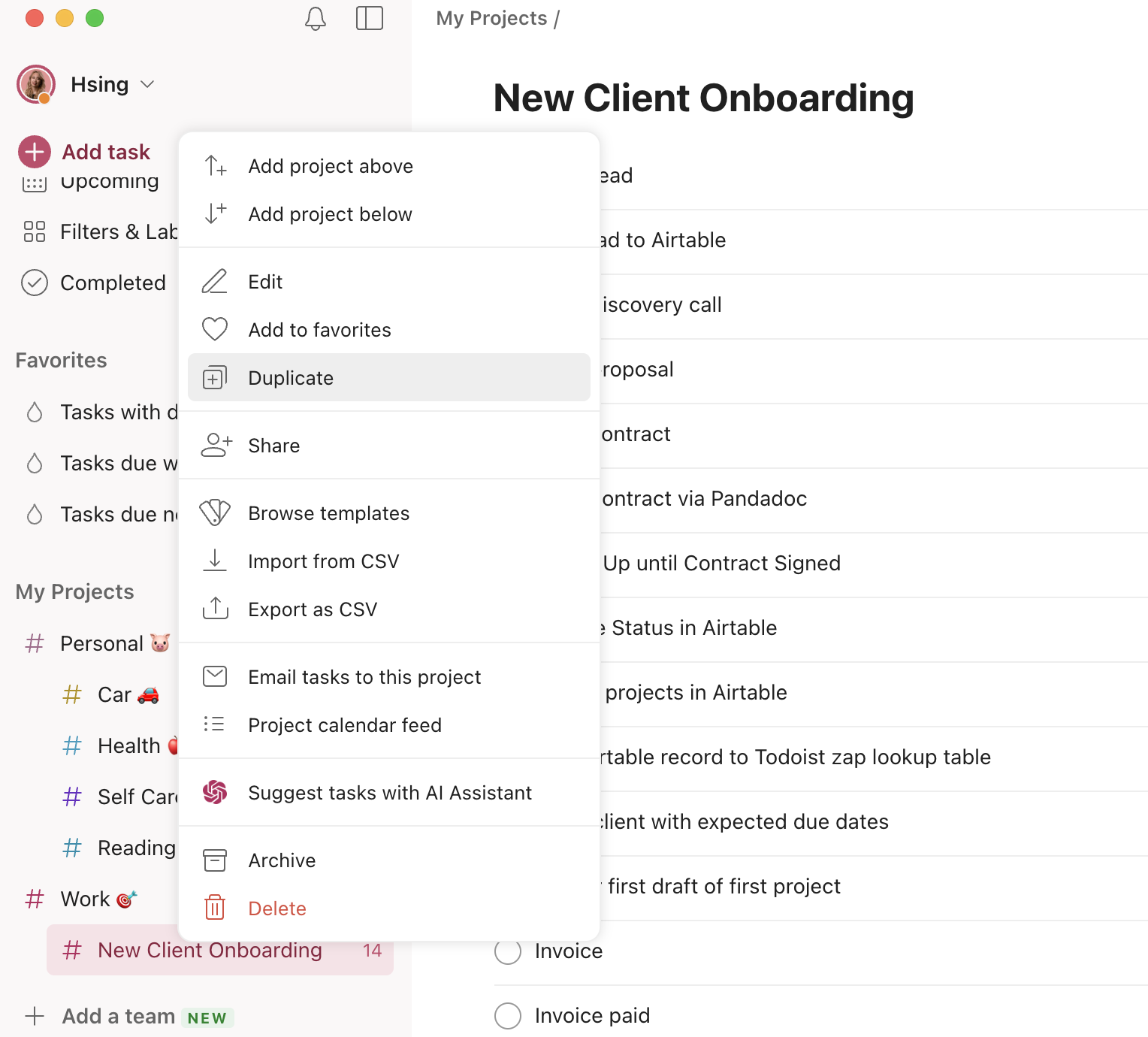
If you want something stronger than Microsoft To Do but still easy, Todoist is excellent.
Top features:
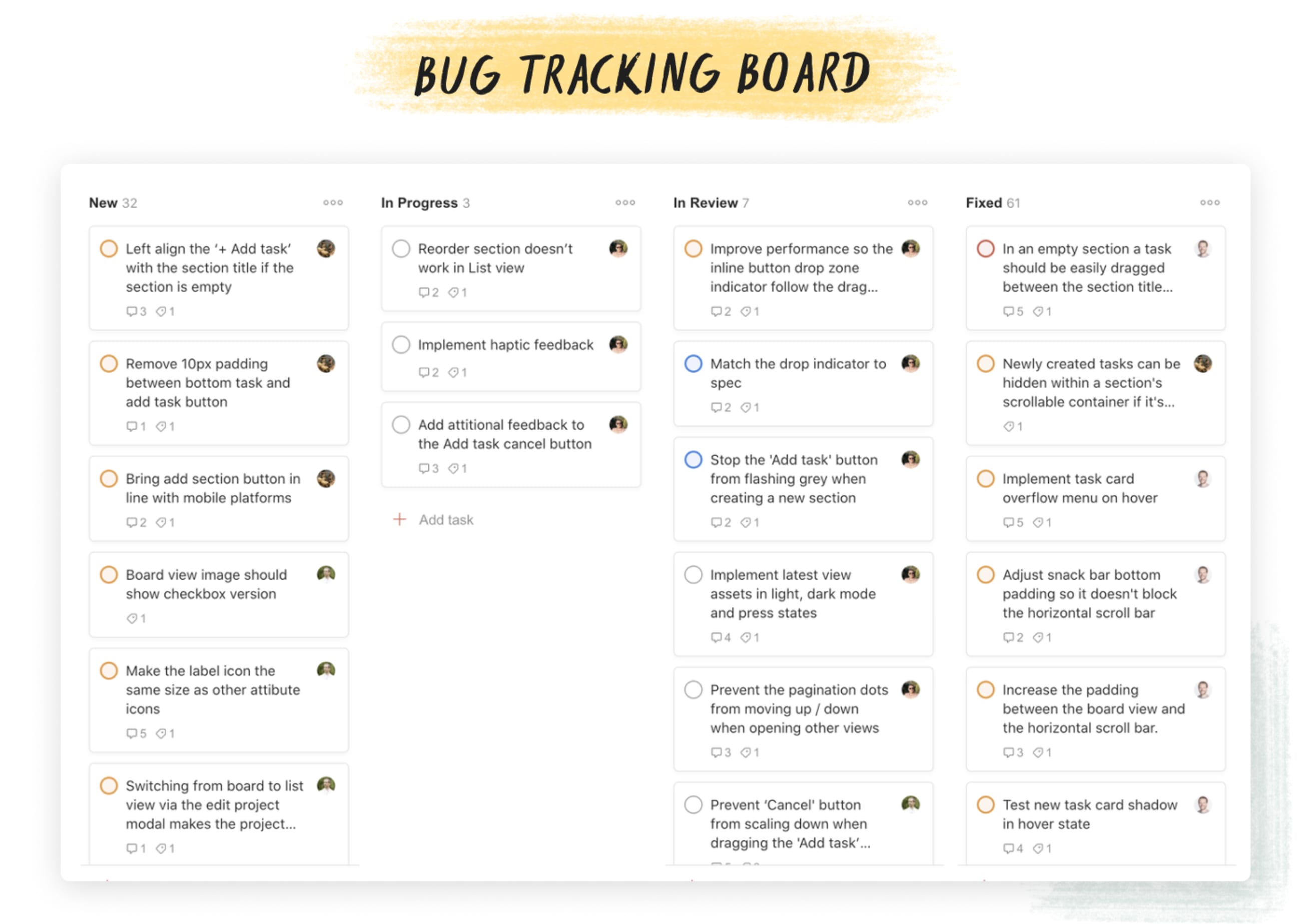
- Projects and sections
- Labels and priorities
- Recurring tasks
- Karma points for motivation
I use this when I have multi-stage tasks and deadlines. Works great for long-term planning.
5. Notion — All-in-One Productivity Hub

4
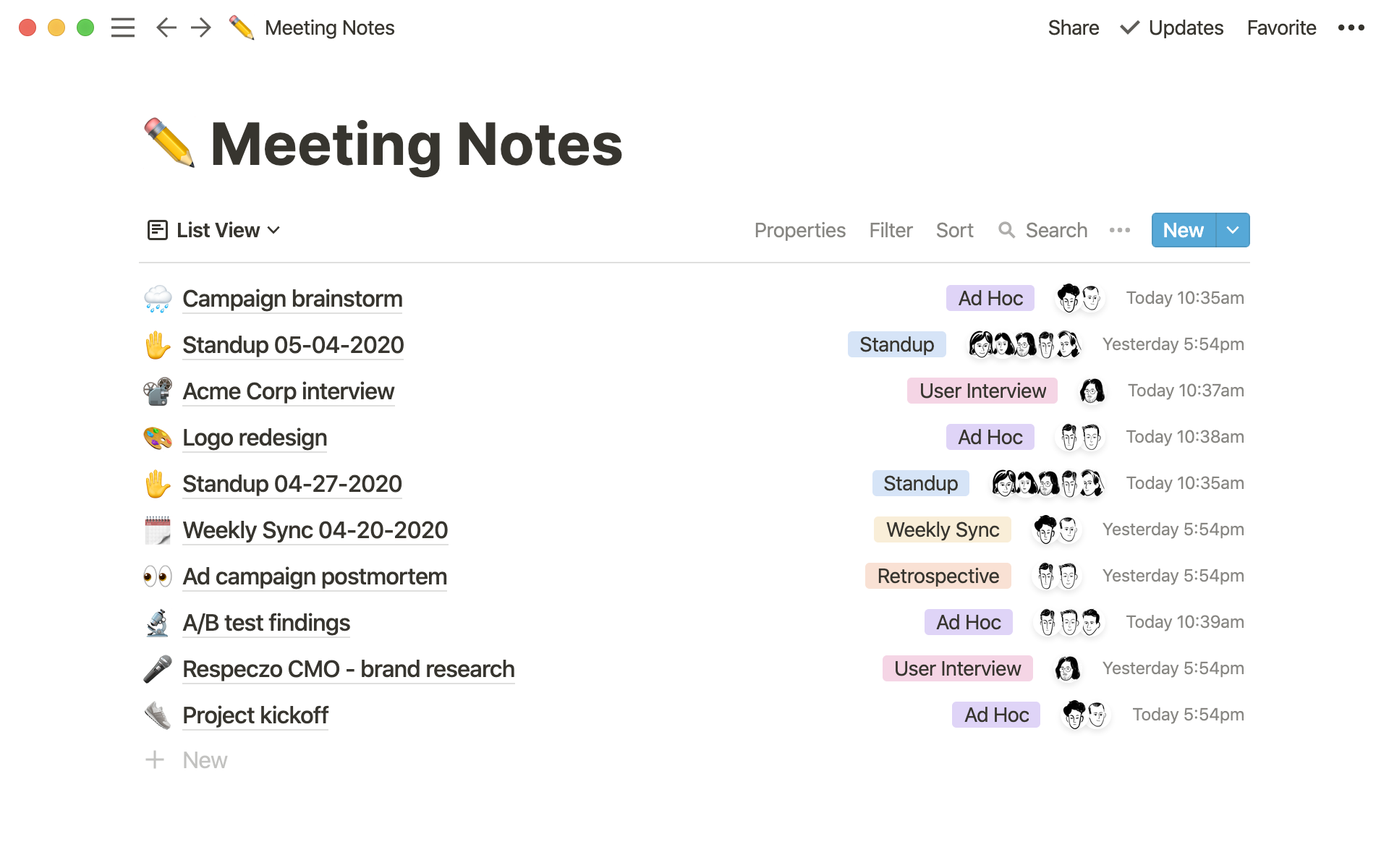
Notion is like a notebook, task manager, calendar, and database all in one.
When it shines:
- Daily notes + journals
- Project trackers
- Study plans
- Reading lists
- Team collaboration
It takes a little time to learn, but once you set up a few pages, it becomes extremely useful.
Real tip:
Start with a simple template — don’t overbuild it on day one.
6. Forest — Beat Phone Distraction

4
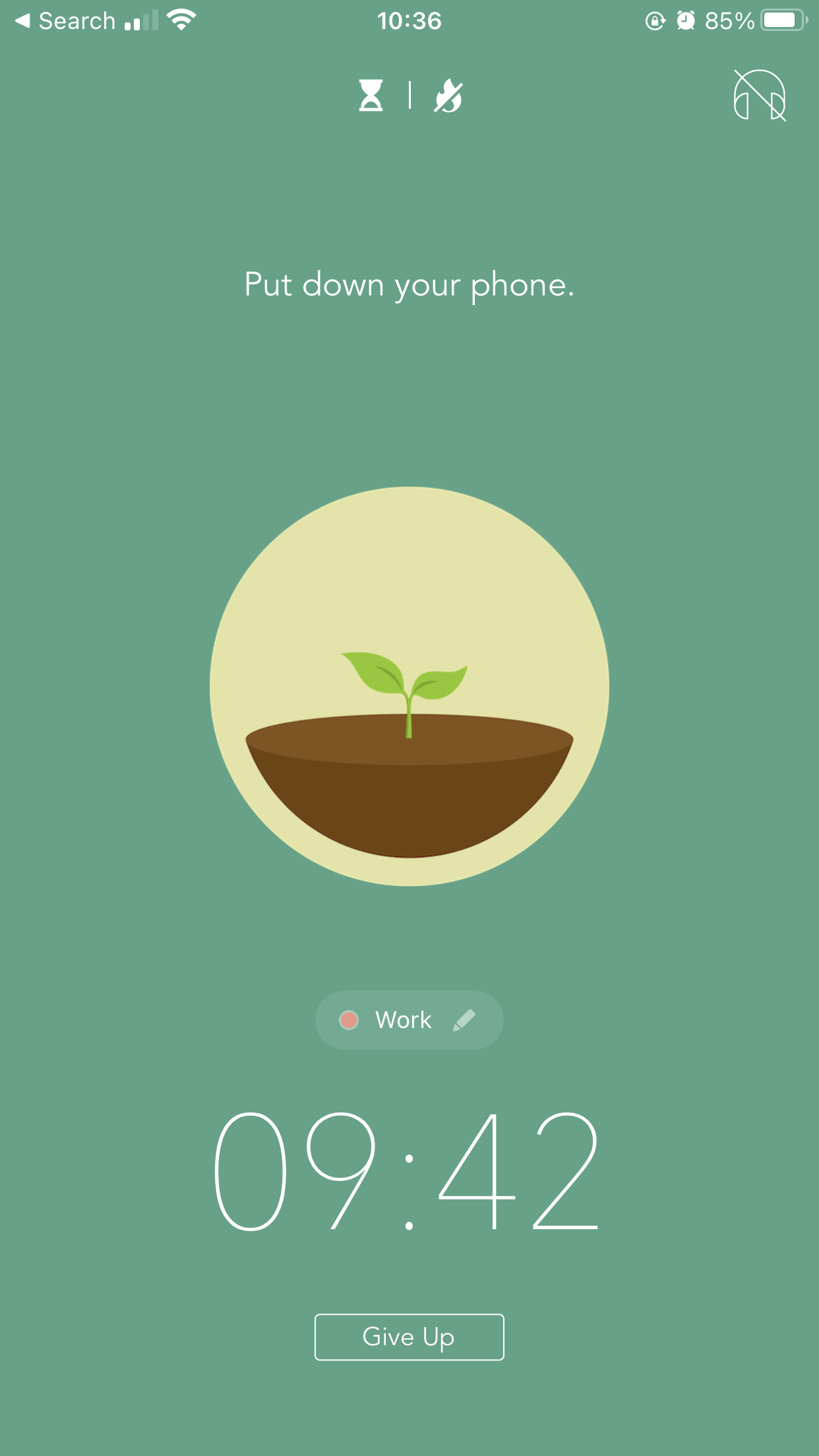
If your main problem is not focusing, Forest is an interesting way to fix it.
How it works:
- Set focus time (e.g., 25 mins)
- A tree grows while you focus
- If you exit the app, the tree dies
It’s strangely motivating, especially if you like visual progress.
Perfect for:
- Study sessions
- Deep work periods
7. Google Tasks — Simple Checklists
If you want something even simpler than Microsoft To Do, Google Tasks might be all you need.
Good points:
- Very lightweight
- Integrates with Google Calendar
- Easy checklists
Not fancy, but it gets the basics done without complication.
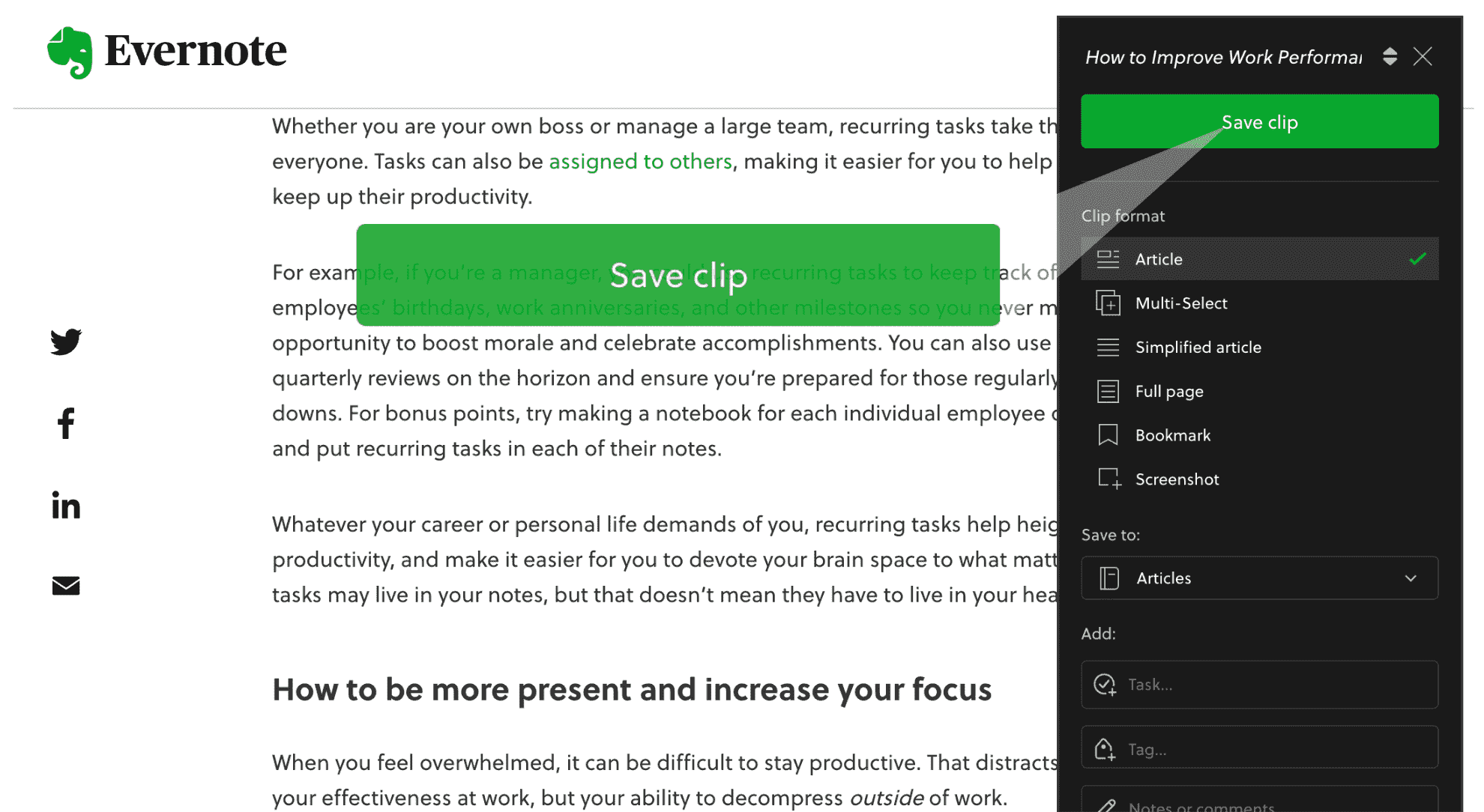
8. Evernote — Notes with Power

4
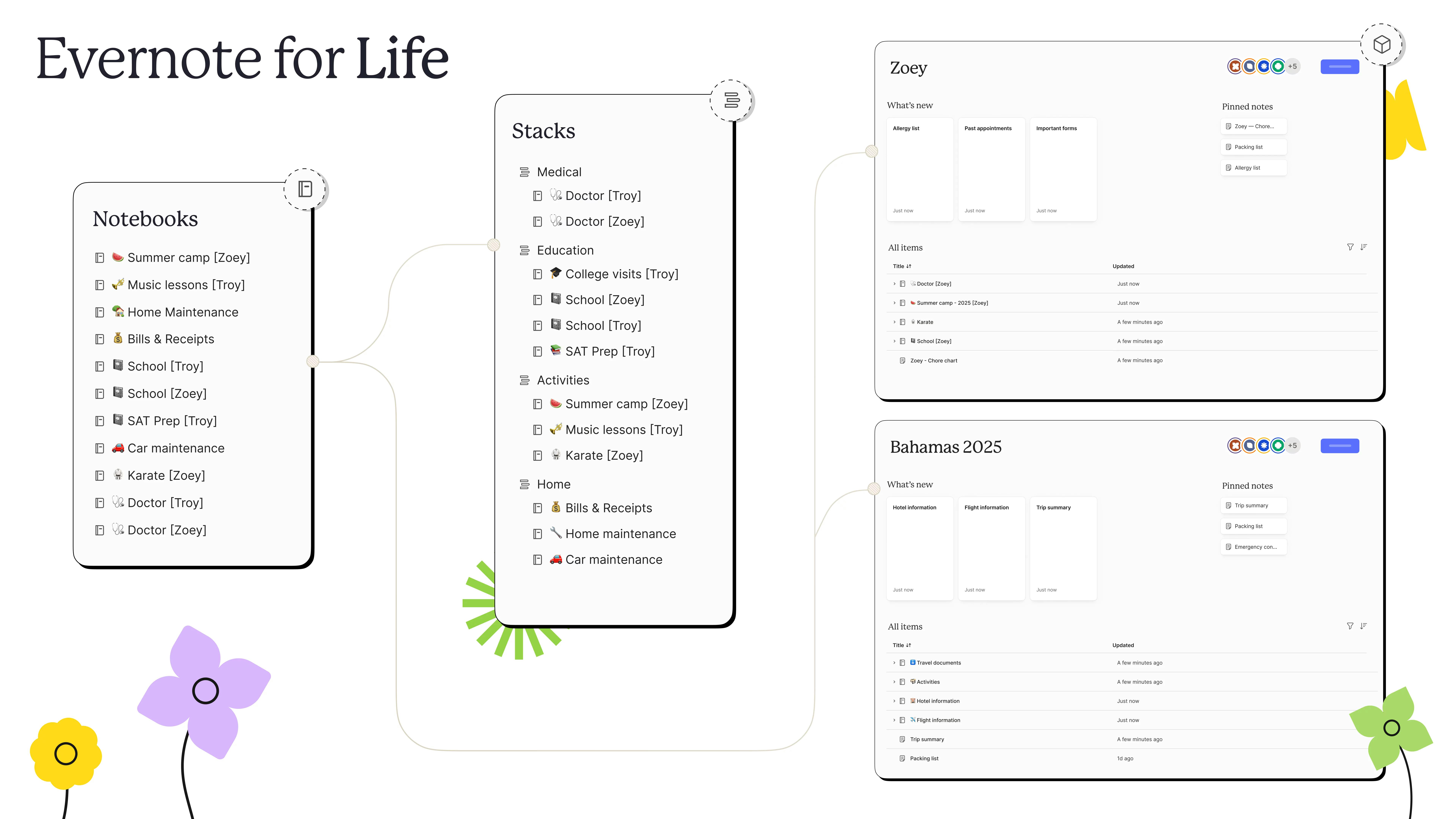
Evernote is an old-school favourite for a reason.
Best for:
- Research notes
- Clipping web articles
- Long-form notes
- Notebooks and tags
It’s a bit heavier than Google Keep, but much more organised and powerful.
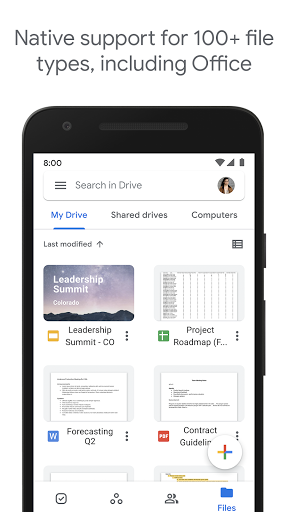
9. Google Drive — Cloud Storage You’ll Actually Use
4
Not just storage — Google Drive becomes a productivity tool if you:
- Store important docs
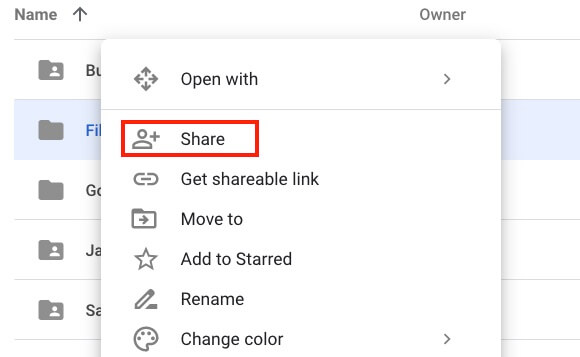
- Share files easily
- Sync everything across devices
Pair it with Google Docs and Sheets, and you’ve got a mini productivity suite without extra cost.
10. Clock — Built-In Focus & Time Tools
Your Android Clock app actually has productivity power:
- Focus timers
- Stopwatch
- Multiple alarms
- Bedtime schedules
Using it regularly helps you stick to routines without a separate app.
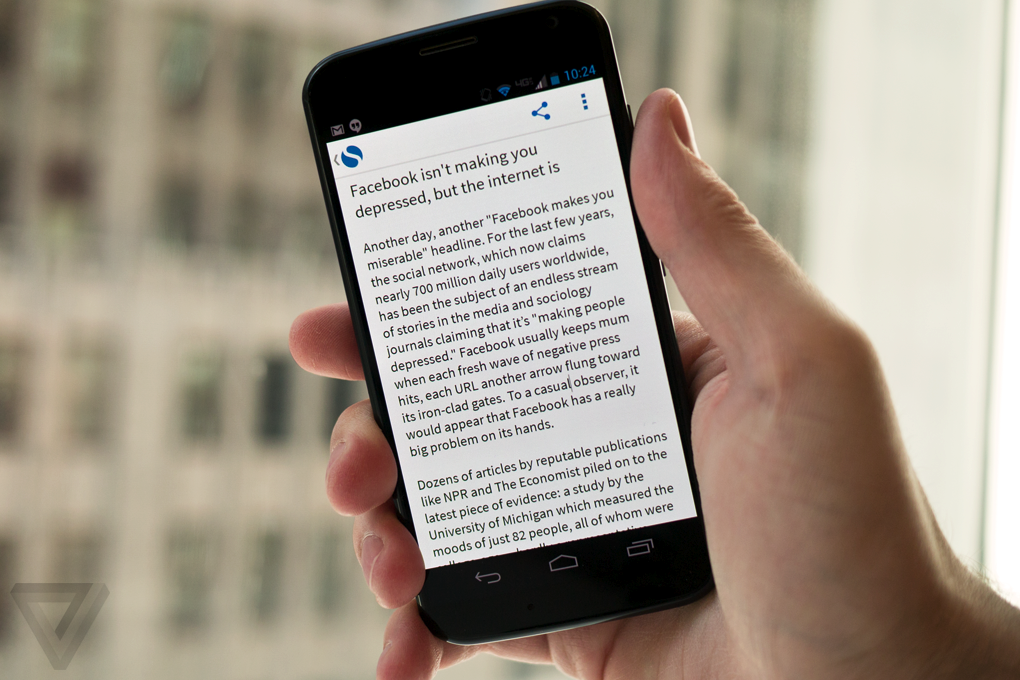
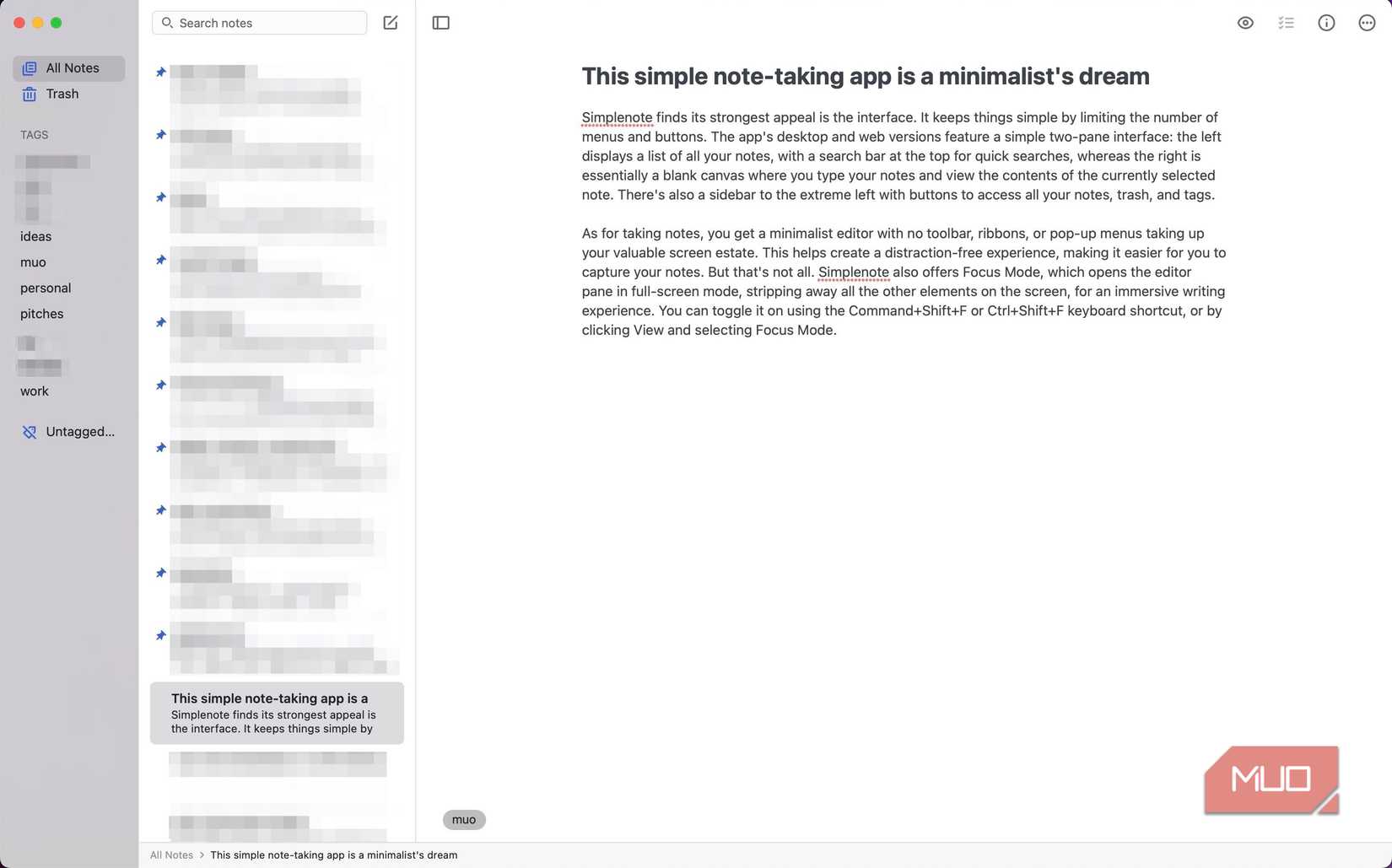
11. Simplenote — Clean & Minimal Notes

4
If you want distraction-free note taking:
- Very light
- Syncs across devices
- No clutter
Great for fast ideas, quick lists, or journaling.
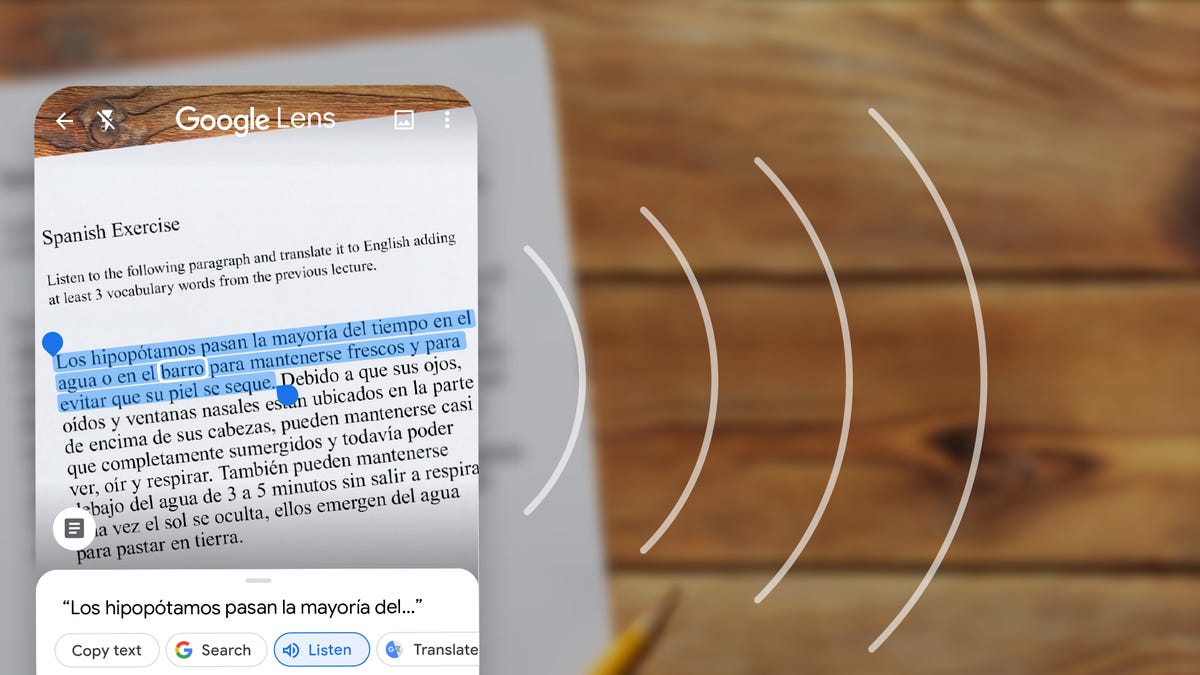
12. Google Lens — Productivity Through Visual Search


4
You might not think of this as a productivity app, but Google Lens is surprisingly useful:
- Scan text and save it instantly
- Translate on the fly
- Identify objects/products
- Extract info without typing
Super handy for students and professionals alike.
Quick Tips Before You Download 10 Apps
Don’t overload your phone
More apps = more distraction.
Choose 3–5 that fit your workflow
Example set:
- Calendar + To Do + Forest
Use built-in features first
Android already has powerful tools — use them before installing new apps.
Final Thoughts (Human Advice)
Productivity is not about piling up apps.
It’s about finding the right ones you’ll actually use daily.
The best Android productivity apps help you:
- Focus
- Plan
- Track
- Execute
Not just tick boxes.
So pick what feels natural for you and stick to them for a couple of weeks. You’ll notice the difference without overwhelming yourself.
If you tell me what your daily routine looks like (study, work, business), I can suggest the best 3 apps just for your lifestyle.