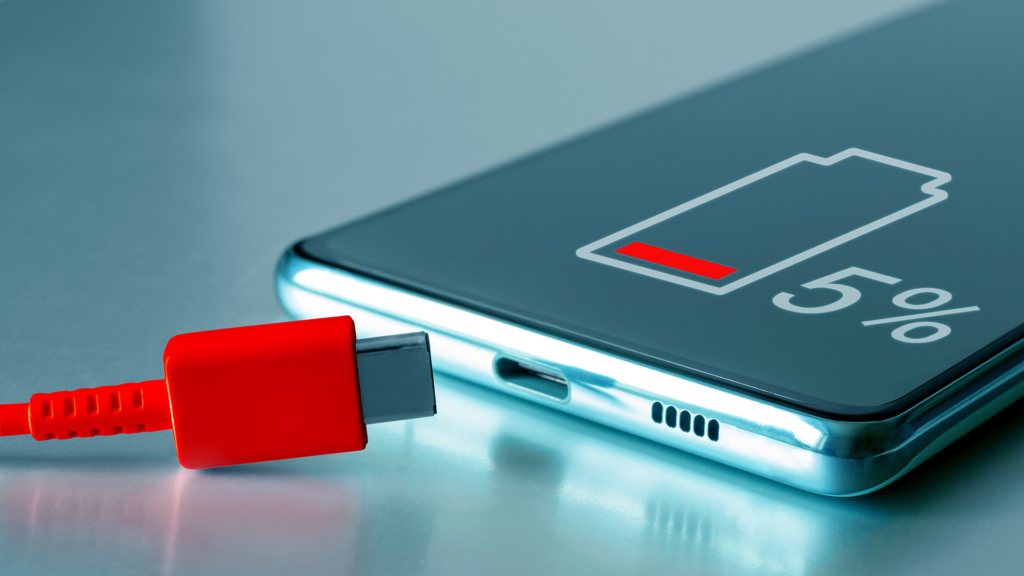
Let’s be honest — mobile battery life is a daily struggle.
You charge your phone to 100% in the morning. By evening, it’s already begging for a charger. And the worst part? Most people think the only solution is buying a power bank or changing the battery.
From my own experience (and fixing battery complaints for friends and family), I can tell you this clearly:
👉 Most battery drain issues are because of habits, not hardware.
So if you want to know how to increase mobile battery life naturally, without apps, without root, without changing battery — this guide is for you.
Simple steps. Practical use. No nonsense.
Why Mobile Battery Drains Faster Than It Should
Before fixing, let’s understand the problem in plain language.
Your battery drains mainly because of:
- Screen staying on too long
- Background apps running silently
- Too many notifications
- Location, Bluetooth, data always ON
- Old charging habits
The good thing? You can control almost all of this.
Reduce Screen Brightness (Biggest Battery Saver)
Your screen is the biggest battery killer. No doubt about it.
What most people do:
Keep brightness on full, even indoors.
What you should do:
- Use Auto Brightness
- Or manually keep brightness around 30–40% indoors
Personal tip:
I reduced brightness slightly and instantly noticed 1–1.5 hours extra screen time.
Small change, big impact.
Reduce Screen Timeout
This one is underrated.
If your screen stays ON for 2–5 minutes after use, battery keeps draining for no reason.
Best setting:
- Screen timeout: 30 seconds or 1 minute
You’ll barely notice the difference, but your battery will.
Turn Off What You’re Not Using (Seriously)
Many people keep things ON “just in case”.
Switch OFF when not needed:
- Bluetooth
- Location (GPS)
- Hotspot
- NFC
Location services especially drain battery quietly.
Real example:
One friend complained about battery drain — location was ON 24/7 for no reason. Turning it off fixed half the problem.
Control Background Apps
Some apps keep working even when you’re not using them.
Check this:
Settings → Battery → Battery usage
You’ll often find:
- Social media apps
- Shopping apps
- Food delivery apps
What to do:
- Restrict background activity for unused apps
- Uninstall apps you rarely open
Less background activity = better battery life.
Reduce Notifications (Battery + Mental Peace)
Every notification wakes your screen, vibrates phone, and uses power.
Do this:
- Turn off notifications for:
- Shopping apps
- Games
- Promo apps
- Keep only important ones (calls, WhatsApp, banking)
After doing this, battery lasts longer and phone feels calmer.
Use Dark Mode (If Your Phone Supports It)
If your phone has:
- AMOLED or OLED display
Dark mode helps save battery.
Enable:
- System-wide dark mode
- Dark mode in apps like:
- YouTube
It won’t double battery life, but it definitely helps over a full day.
Stop Auto-Start Apps
Many apps restart automatically after phone reboot.
Check:
Settings → Apps → Auto-start / Startup apps
Disable auto-start for:
- Games
- Shopping apps
- Unused tools
This reduces battery drain and improves performance.
Avoid Live Wallpapers & Heavy Widgets
They look cool but constantly use system resources.
Better option:
- Static wallpaper
- Minimal widgets
- Clean home screen
I personally keep just:
- Clock widget
- Weather (optional)
Minimal setup = better battery.
Change Charging Habits (Very Important)
This is where many people unknowingly damage battery health.
Avoid:
❌ Charging overnight daily
❌ Letting battery drop to 0% often
❌ Using phone heavily while charging
Better habit:
✅ Charge between 20%–80%
✅ Unplug once fully charged
✅ Use original or good-quality charger
Your battery health will thank you in the long run.
Turn Off Vibration Where Possible
Vibration uses more battery than sound.
Reduce vibration for:
- Keyboard
- Touch feedback
- Notifications
Small savings, but over a day, it adds up.
Keep Apps Updated (But Don’t Overdo It)
App updates often fix:
- Bugs
- Battery drain issues
Update important apps like:
- Google apps
- Browser
But don’t update everything blindly on mobile data.
Avoid Battery Saver Apps (Truth)
Most “battery saver” apps:
- Run in background
- Show ads
- Make things worse
Android already has a built-in Battery Saver mode. That’s enough.
If an app promises “2x battery life”, stay away.
Use Built-In Battery Saver Smartly
Battery Saver is useful — just don’t wait until 5%.
Best use:
- Turn on at 20–30%
- Use during travel or long days
It limits background activity and extends usage time naturally.
Keep Phone Cool
Heat is battery’s enemy.
Avoid:
- Using phone under direct sunlight
- Gaming while charging
- Keeping phone under pillow
If phone heats up regularly, battery drains faster permanently.
Honest Pros & Cons of Natural Battery Saving
👍 Pros
- No extra apps needed
- Improves long-term battery health
- Safe for all phones
- Saves data + performance too
👎 Cons
- Requires habit changes
- Results are gradual, not instant magic
But trust me — it works.
2 Personal Habits That Helped Me Most
1. I stopped charging overnight
Battery health improved noticeably over months.
2. I reduced notifications aggressively
Less distraction + better battery = win.
Final Thoughts (Straight Talk)
If you’re searching for how to increase mobile battery life naturally, understand this:
You don’t need tricks.
You don’t need apps.
You don’t need to change your phone.
You just need better usage habits.
Apply even half of these tips and you’ll see:
- Longer battery life
- Less heating
- Better phone performance
And if your battery still drains too fast after all this?
Then yes — it might be a hardware issue.
But for most people, these natural steps are more than enough.
If you want, tell me your phone brand and usage pattern — I’ll suggest battery-saving settings specific to your device.